

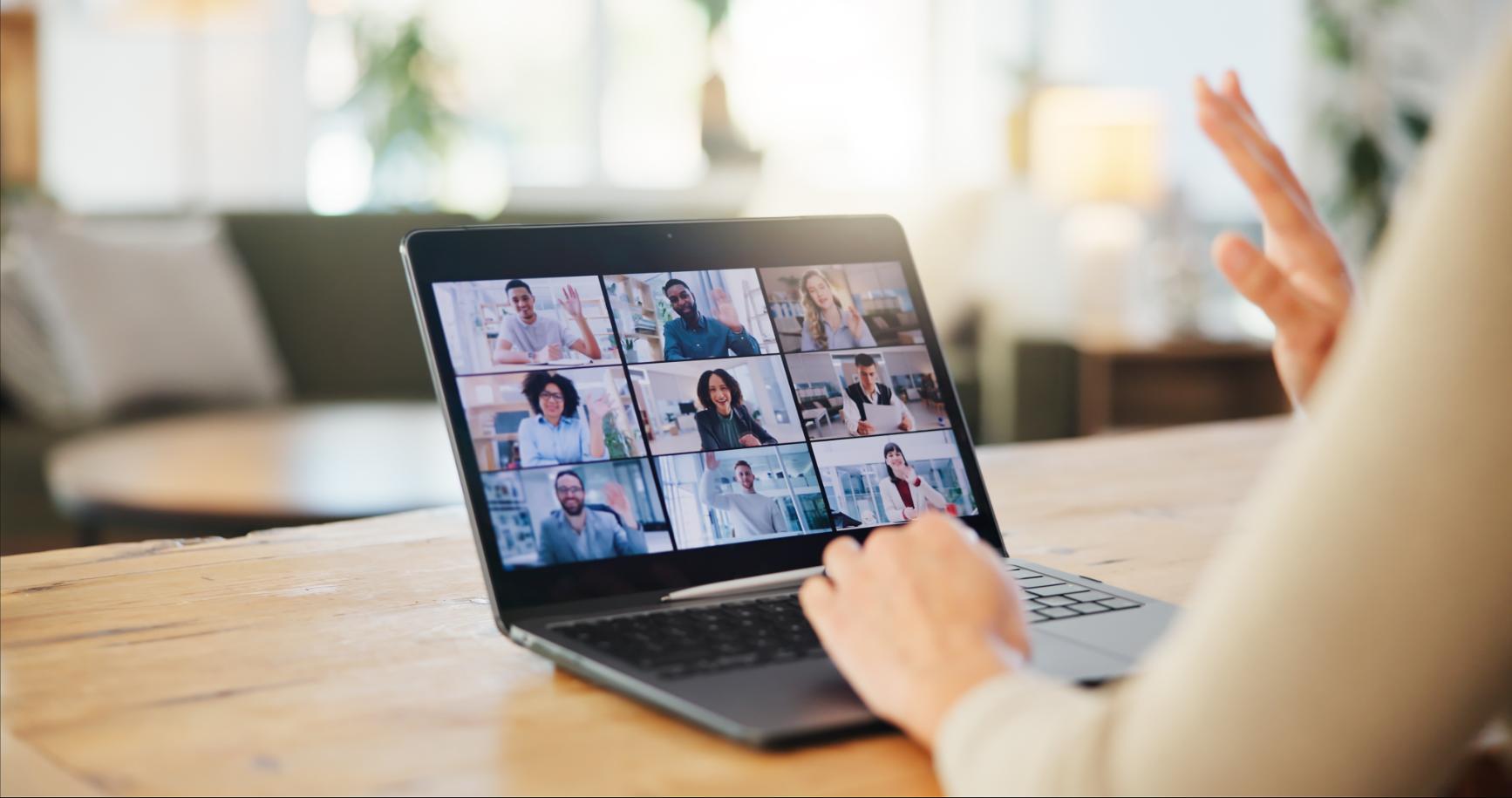
Webinars have become a fundamental tool in the communication and training strategies of companies and professionals. However, the difference between an amateur webinar conducted from home and a professional one organized in a suitable venue is immediately noticeable in the audience's perception, the technical quality, and the results achieved.
Conduct webinars from professional spaces in Madrid It's not an unnecessary luxury, but a strategic investment when the content you produce has commercial, educational, or brand-building objectives. The question isn't whether it's worthwhile, but what characteristics the space should have and how to use it effectively.
Why conduct webinars from a professional space?
The temptation to conduct webinars from home or your usual office is understandable. It's convenient, requires no travel, and seemingly free. However, the limitations of these options quickly become apparent when webinars become a regular part of your professional activity.
A home environment inevitably conveys a less professional image. No matter how tidy the room you're broadcasting from is, a residential setting communicates a subliminal message of informality that can be counterproductive depending on the content and the audience. When you're selling high-priced training, presenting projects to corporate clients, or conducting institutional webinars, the environment matters just as much as the content.
Uncontrolled interruptions are one of the biggest risks of working from home. A family member walking into the room unaware you're recording, construction noise in the building, the neighbor's dog barking, or simply the doorbell ringing at the worst possible moment. All these variables are beyond your control and can ruin important segments of your webinar.
The psychological separation between workspace and personal space also plays a role. Regularly conducting webinars from home blurs these boundaries, which can affect both your concentration during the webinar and your ability to disconnect when you're not working. Having a separate physical space for high-profile professional activities helps maintain this healthy separation.
The limitations of home internet can be the most critical factor. A typical residential connection has asymmetric bandwidth, with much more download than upload speed. For webinars where you're constantly streaming high-quality video, upload speed is what matters. A symmetric fiber optic business connection makes a world of difference in stream quality and stability.
Differences between webinar, videoconference and hybrid event
Although they share similar technology, webinars, video conferences, and hybrid events are distinct formats that require different setups.
A webinar It is fundamentally a one-to-many format, where a speaker or small panel presents content to an audience that primarily listens and observes. Communication is mostly one-way, although there are usually mechanisms for questions and answers. Attendees typically do not activate their cameras or microphones. Production should focus on ensuring the speaker is clearly visible and audible, as this will be the center of attention throughout the event.
A videoconference It represents many-to-many communication. All participants have an active voice, share a camera, and the dynamic is more collaborative. There is no clear distinction between presenter and audience. The equipment must facilitate multiple people being able to see and hear each other equally. Setups appropriate for videoconferencing don't always work well for webinars, and vice versa.
A hybrid event It combines a live audience with a remote audience, both actively participating. It requires simultaneously addressing the needs of those physically present and those following the event online. The technical complexity is significantly greater because you need to capture both the speaker and the reactions and interventions of the live audience, while also allowing the remote audience to participate. spaces for hybrid events They need more sophisticated equipment than that designed only for webinars.
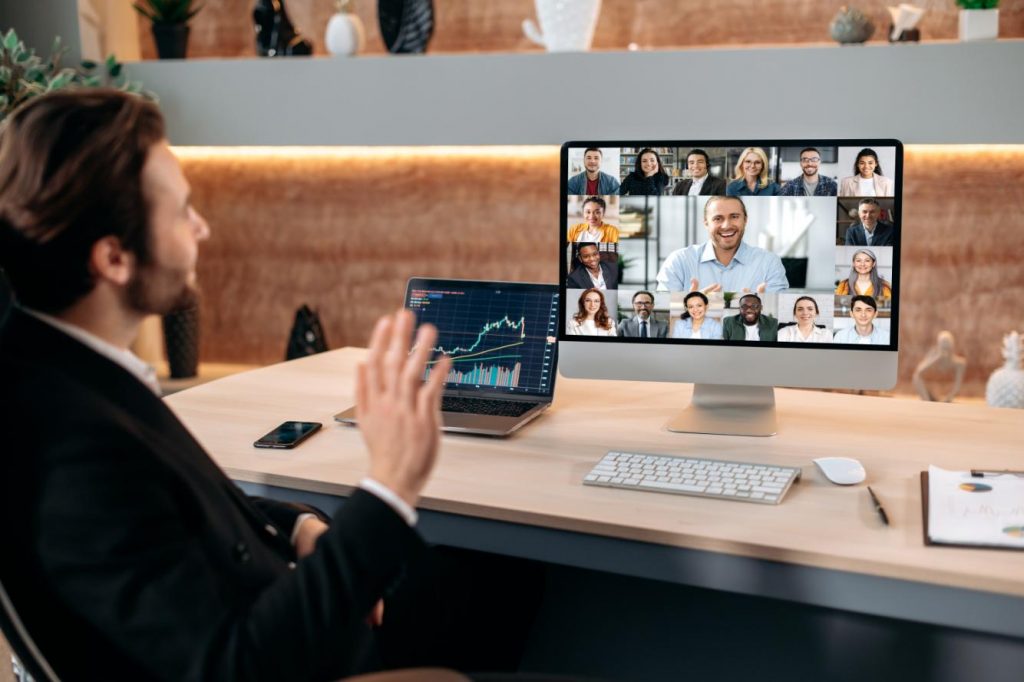
Essential technical equipment for professional webinars
The technological infrastructure directly determines the quality of the webinar you can produce. It's not about having the most expensive equipment, but rather the right equipment for the level of production you need.
Camera
A good camera is the foundation of any professional webinar. A laptop's built-in webcam simply doesn't provide the quality needed for professional content. An external Full HD 1080p camera at 30 fps should be the absolute minimum. For more polished productions, 4K cameras that allow digital zoom without loss of quality offer greater versatility.
The camera's positioning greatly influences perception. It should be at the speaker's eye level or slightly above, never below, as this creates unflattering angles. The distance should allow for a frame that shows the head, shoulders, and part of the torso, leaving some space above the head but without so much that the person appears small in the frame.
Cameras with automatic tracking add dynamism by allowing the speaker to move naturally without going out of frame. This feature is very practical for webinars where the speaker is standing and moving around. For more static formats where the speaker remains seated, a well-positioned fixed camera is perfectly adequate.
Audio
Audio is more important than video. The audience will forgive mediocre video quality if the audio is perfect, but they won't tolerate poor audio regardless of how good the picture is. A professional microphone is absolutely essential.
Lavalier microphones offer the advantage of capturing the voice very close to the mouth, minimizing ambient noise and providing clear, consistent sound. They are discreet and allow freedom of movement. The disadvantage is that they need to be attached to the speaker's clothing, which adds setup time and can be inconvenient if there are multiple speakers taking turns.
High-quality desktop microphones offer a simpler alternative. They are placed on the desk or lectern in front of the speaker and pick up audio directionally. Professional models incorporate noise-canceling and echo-reduction technology that filters out unwanted sounds. The downside is that the speaker must maintain a relatively fixed position relative to the microphone.
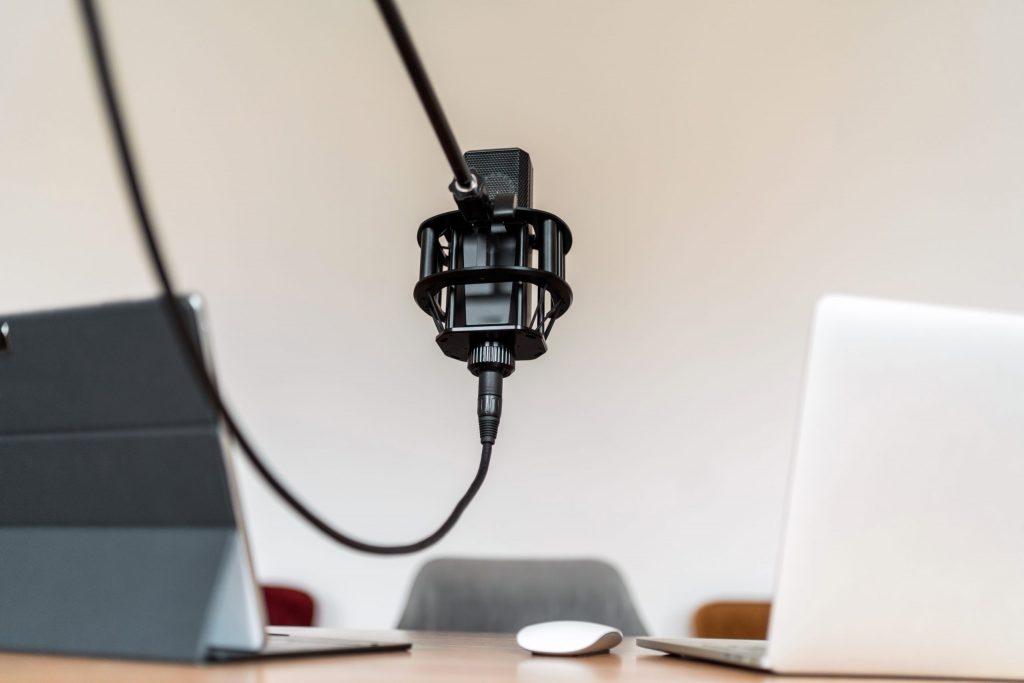
Ambient audio systems with multiple distributed microphones work well in rooms equipped for webinars where multiple speakers can participate. They capture audio from different points in the room and automatically mix the sources. They require professional setup but offer great flexibility of use.
Lightning
Lighting is the most frequently underestimated element, yet it makes the biggest difference between an amateur and a professional webinar. Variable natural light or standard ceiling lighting rarely produce optimal results.
The basic three-point lighting setup includes a front-facing key light that illuminates the speaker's face evenly, a softer side fill light that eliminates harsh shadows, and a backlight or separation light from behind that visually separates the speaker from the background. This setup creates depth and dimensionality in the image.
For simpler setups, a quality front LED panel or ring light may be sufficient if positioned correctly. They should be at face level or slightly above, never below. The color temperature should be consistent, typically between 3200K (warmer) and 5600K (daylight).
Background lighting also matters. A completely dark or completely bright background creates exposure problems. A background that is evenly lit but less intense than the speaker creates appropriate visual separation.
Connectivity
Internet bandwidth is the factor that determines the maximum quality at which you can stream. For Full HD 1080p streaming, you need at least 5-8 Mbps of stable upload speed. For 4K, this is multiplied several times over. What's important is not just the maximum speed but also the stability. A fluctuating connection causes interruptions and loss of quality.
A wired Ethernet connection should always be preferred over Wi-Fi for broadcasting. Wi-Fi, however good, introduces variable latency and the possibility of interference that can ruin a webinar. professional spaces for webinars They should provide high-speed Ethernet connectivity.
Having a backup mobile connection with unlimited data or a second internet line can be a lifesaver if your primary connection fails. Software like OBS Studio allows you to configure redundant streaming that automatically switches to the backup connection if it detects problems with the primary one.
Software and platforms
The webinar platform you choose depends on your expected audience and the level of interactivity you require. Zoom, Microsoft Teams, Google Meet, and specialized platforms like StreamYard or Restream each have their own specific strengths.
Zoom dominates the corporate and training market. Its stability, ease of use for attendees, and interactive features (chat, questions, polls, breakout rooms) make it very versatile. Time limitations on free accounts can be a problem for long webinars.
StreamYard specializes in high-quality production with multiple guests and simultaneous streaming to multiple destinations. It allows you to incorporate graphics, switch between different cameras or sources, and produce more elaborate content without needing complex editing software.
OBS Studio is an extremely powerful open-source software for advanced production. It allows complete control over every visual and technical aspect of the stream. The learning curve is steeper, but the possibilities are virtually limitless. For highly professional webinars or those with specific branding requirements, OBS is the standard tool.
Setting up the physical space for webinars
The space where you hold the webinar is just as important as the technical equipment. A poorly configured space limits what you can achieve, even with excellent technology.
Professional background
The background behind the speaker communicates important messages about professionalism and attention to detail. A cluttered, overly flashy, or inconsistent background is distracting and undermines credibility.
The simplest and most effective option is a plain wall in a neutral color. Medium gray, beige, or light blue work well. Pure white can create overexposure problems. Black can be too dramatic for most corporate or training content. An exposed brick or wood wall can add character while maintaining professionalism.
Backgrounds with corporate branding should be used sparingly. A discreet logo on the wall is fine. Backgrounds completely saturated with corporate images can be overwhelming and distract from the content. The speaker should be the main focus, not the scenery.
Software-generated virtual backgrounds have improved significantly but still have limitations. The edges of the subject can appear imperfect, especially with movement. For top-quality webinars, a suitable physical background remains superior. Virtual backgrounds are acceptable for less formal content or when there is no better alternative.
Camera position
The camera should be positioned at the speaker's eye level when they are standing. For seated speakers, this requires raising the camera with a tripod or stand. A laptop camera positioned lower creates unflattering angles that make the speaker appear to be looking down at them.
The correct focal distance frames the speaker from the chest up, with a small margin above the head. Too close is intrusive and doesn't allow for natural hand gestures. Too far away makes the speaker appear small and distant. The "rule of thirds" suggests positioning the speaker's eyes approximately in the upper third of the frame.
Eye contact also matters. The speaker should look directly at the camera when addressing the audience. Looking at a second screen displaying the presentation or chat comments breaks eye contact and reduces engagement. If additional information needs to be reviewed, it should be as close to the camera as possible, or the speaker should consciously alternate between looking at the camera and checking other elements.
Space acoustics
A space with poor acoustics can completely ruin the audio, no matter how good the microphone is. Excessive echo, reverberation, or constant background noise are problems that equipment can only partially mitigate.
Empty rooms with hard walls and bare floors produce noticeable echo. Adding sound-absorbing elements greatly improves acoustics. Carpets, curtains, acoustic wall panels, or simply upholstered furniture reduce reverberation. You don't need to turn the space into a professional recording studio, but some acoustic treatment makes a substantial difference.
Constant background noise such as air conditioning, outside traffic, or activity in adjacent spaces should be minimized. coworking spaces designed for meetings and presentations They usually have appropriate sound insulation that prevents these problems.
Setup for different formats
The webinar format you will be using determines the optimal space configuration.
For a single presenter, the simplest setup is a table with a laptop displaying the presentation, a camera at eye level behind the laptop, a microphone on the table or a lapel microphone, and front lighting. The presenter can be seated or standing depending on preference and the length of the webinar.
For interviews or conversations between two people, both should be at a similar distance from the camera, evenly lit, and with individual microphones. An angled setup where they are seen in profile allows them to speak naturally while the camera captures both of them. Alternatively, two cameras allow switching between shots of each person.
For panels with three or more participants, the setup must allow everyone to be visible simultaneously or for seamless switching between them. This requires either a single camera that captures everyone in a wide shot or multiple cameras capable of switching between them. The technical complexity increases significantly with more participants.
For webinars featuring product or process demonstrations, you need the ability to show both the presenter and close-ups of the product. This requires multiple cameras or the ability to switch between the presenter's camera and a top-down or close-up view of the product. Software like OBS makes managing these multiple sources easy.
Types of webinars that benefit from professional spaces
Not all webinars require the same level of production. Identifying what type of webinar you're going to host helps determine if it's worth investing in a professional space.
Paid online training courses demand the highest production quality. Participants have paid for access to the content and expect a professional experience. Poor audio and video quality generate complaints and refund requests. For courses costing €50 or more per participant, conducting the webinar from a professionally equipped space It is not optional but necessary to justify the price.
Product presentations to potential clients are critical moments in the sales process. The first impression you project about your company and your product is greatly influenced by the production quality of the webinar. An amateurish webinar can cast doubt on the seriousness of your company, regardless of how good your product is. For high-value B2B sales, the level of professionalism of the webinar must be top-notch.
Digital presentations and conferences represent your personal or company brand to broad audiences. If the webinar is going to be recorded and distributed later, or if it will reach audiences of hundreds or thousands of people, production quality becomes an investment in reputation. Professionals who want to position themselves as experts in their field cannot afford low-quality webinars.
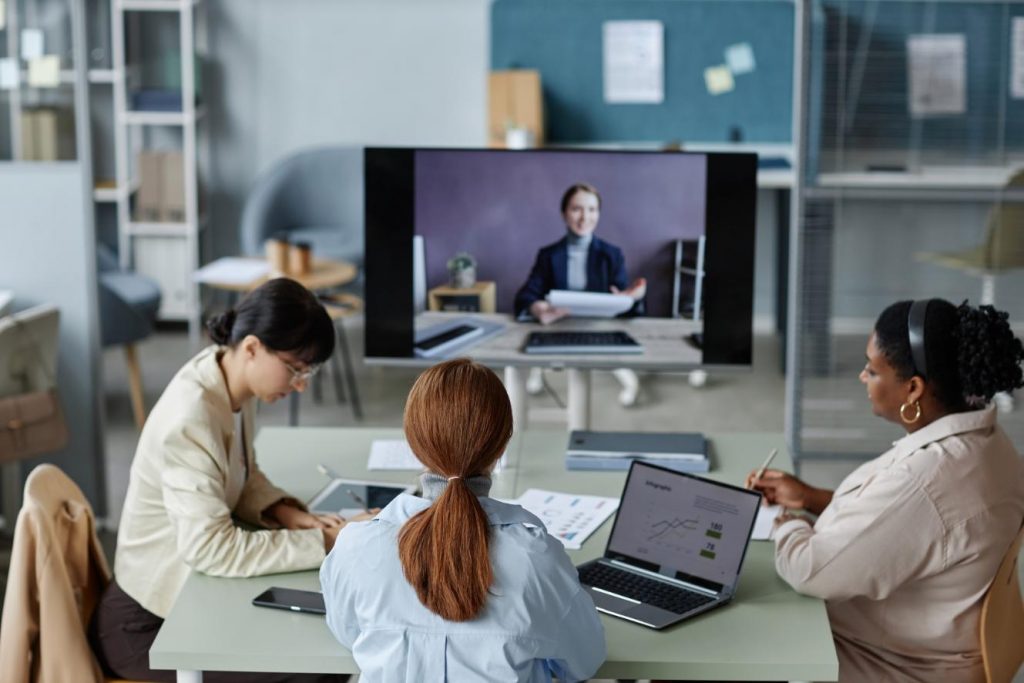
Interviews with experts or opinion leaders deserve a production environment befitting the guest's caliber. If you manage to interview someone relevant in your field, honor that opportunity with a polished production. Furthermore, the quality of the webinar influences the willingness of future guests to participate.
Product or service launches are unique, high-impact events. The launch webinar establishes the initial public narrative about what you're presenting. Investing in professional production is worthwhile for these moments, which can significantly influence market perception.
Masterclasses charge premium prices precisely because they offer superior content and experience. If you position your content as a masterclass but produce it with casual webinar standards, there's a dissonance that reduces the perceived value. rental of a suitable space For these sessions, it is fully justified by the entrance fee you can charge.
Recording and production of reusable content
A strategic advantage of conducting webinars from professional spaces is the ability to record content that can be reused and monetized later in multiple ways.
High-quality local recording provides files with better resolution and fidelity than platform recordings. Although Zoom and similar services record automatically, those recordings are limited by streaming quality. Recording locally on your computer or with dedicated equipment captures maximum quality that can be professionally edited.
Recorded content can be transformed into an asynchronous online course. A 90-minute live webinar on a specific topic can be edited into 4-5 modules of 15-20 minutes each, which are then sold as an on-demand course. With professional production, this content retains its market value for months or even years.
Short clips or excerpts from the webinar serve as valuable social media content. A one-hour webinar can generate 10-15 two- to three-minute clips with key ideas that perform exceptionally well on LinkedIn, Instagram, or TikTok. This derivative content greatly expands the reach of the original webinar and serves as promotion for future events.
Recorded webinars function as powerful lead magnets. Offering free access to a valuable webinar recording in exchange for contact information generates qualified leads interested in your area of expertise. The recording continues to work for you, generating leads long after the live event.
The content can be licensed or sold to third parties. If you produce high-quality training content in your area of expertise, educational institutions, training companies, or e-learning platforms may be interested in licensing that content. Professional production quality facilitates these opportunities.
Common mistakes in webinars and how to avoid them
The experience accumulated in webinar production has identified recurring errors that compromise the success of the event.
Failing to conduct a thorough technical test before the webinar is the most serious and common mistake. Assuming everything will work because it did last time is risky. Dedicate at least 30 minutes before the webinar to testing your camera, audio, connectivity, screen sharing, and any other features you plan to use. Testing well in advance allows you to troubleshoot issues without pressure.
Underestimating the importance of audio leads many organizers to invest in cameras but neglect microphones. As mentioned earlier, poor audio is far less forgivable than flawed video. If you can only improve one element, make it the audio.
Inadequate lighting is the second most common technical factor. Speakers backlit by windows behind them, harsh shadows on their faces from overhead lighting, or excessively warm or cool lighting that distorts colors. Reviewing how the speaker looks at different times of day in natural light, and adjusting artificial lighting to compensate, avoids unpleasant surprises.
A lack of audience engagement turns a webinar into a boring monologue. Although the format is primarily one-way, incorporating interactive elements maintains attention. Direct questions to the audience answered in chat, quick polls, or scheduled Q&A sessions make attendees feel like they are part of the event rather than just passive spectators.
Overly dense content without breaks exhausts attention. Concentration levels are lower in online formats than in face-to-face presentations. Sessions longer than 60 minutes require breaks. Information-heavy presentations need respite. Alternating between different formats (presentation, video, demonstration, interaction) maintains interest.
Connectivity issues ignored until it's too late can ruin your webinar. Monitoring your connection stability during the webinar and having a backup plan in case it degrades is essential. Software that displays your upload bitrate in real time alerts you to problems before your audience experiences interruptions.
Not having backups of critical equipment leaves you without resources if something fails. A second microphone, a backup laptop, or simply spare batteries for wireless equipment can save the day when your primary equipment fails.
Prices and logistics for renting spaces for webinars
The cost of conducting webinars from professional spaces varies depending on location, duration, and level of equipment required.
Hourly rental of rooms prepared for webinars in Madrid can range from 20-30 euros per hour for basic spaces with good connectivity to 60-80 euros per hour for rooms fully equipped with professional lighting, multiple cameras, and advanced audio systems.
For regular webinars, negotiating packages of hours or monthly rates can significantly reduce the cost per session. If you host weekly webinars, four two-hour sessions per month could be arranged for €200-€300 instead of the €240-€320 they would cost at the hourly rate.
Additional services such as ongoing technical support, multitrack recording, or camera-switching production add cost but also value. For particularly important or complex webinars, the investment may be justified.
Location influences price but also accessibility if you plan to occasionally incorporate in-person audiences. Spaces in well-connected areas like Chamberí They offer a good balance between accessibility and price.
Spaces for webinars at ILCOWORKING Madrid
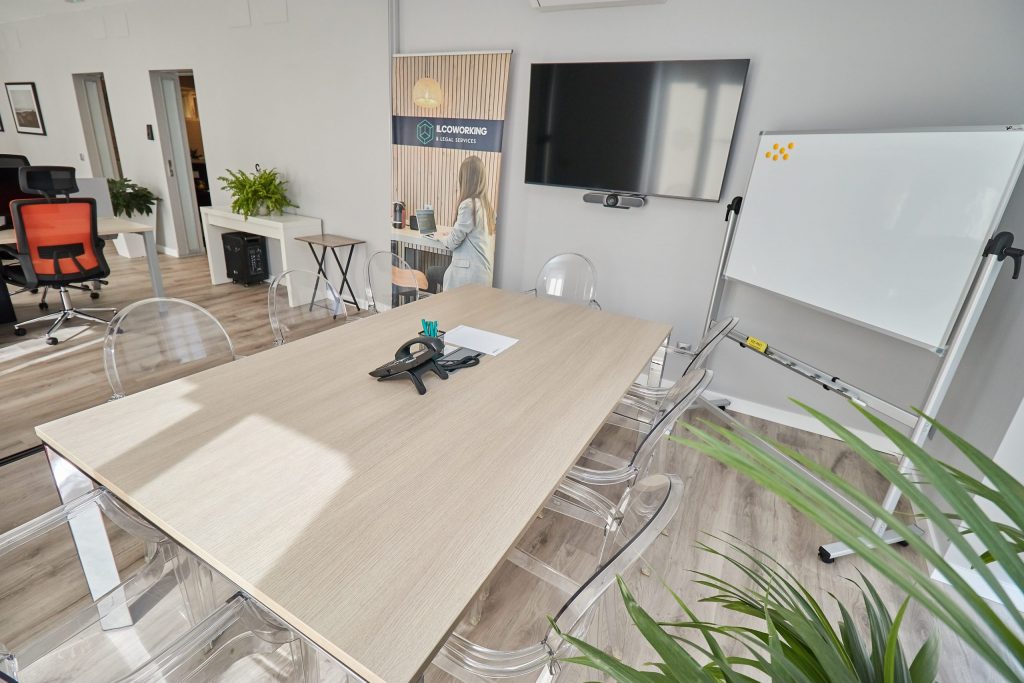
ILCOWORKING in Glorieta de Bilbao offers spaces that can be configured for the production of professional webinars, with specific advantages that deserve consideration.
High-speed fiber optic connectivity provides the bandwidth needed for stable high-definition streaming. The symmetrical business connection avoids the typical problems of residential connections where upload speed is limited.
The rooms available They offer professional, neutral environments that work well as backgrounds for corporate or training webinars. Soundproofing ensures there will be no interruptions from external noise during recording.
The flexibility of hourly rentals allows you to reserve the space exactly when you need it, without any long-term commitments. This model is very practical for professionals who occasionally conduct webinars but require professional-quality content.
The location in Chamberí makes it easy to access if you occasionally need to conduct webinars with a small in-person audience or if several team members need to be physically present for the production.
The schedule from 8:00 a.m. to 8:30 p.m. from Monday to Friday covers the most common times for webinars aimed at a professional audience, both national and international, with time adjustments for other areas.
For more information on availability and specific configuration for webinars, you can contact us at 91 117 94 82, 900 264 918, or by email at info@ilcoworking.es.
Best practices for effective webinars
Beyond technical equipment and space, there are practices that determine the real success of the webinar in terms of achieving its objectives.
Early promotion is crucial. An excellent webinar without an audience is a failure. Announcing the event 2-3 weeks in advance, sending reminders a week before, and a final reminder 24 hours before maximizes attendance. Email, social media, and your website should be used in a coordinated manner for promotion.
The webinar title and description should clearly communicate the value attendees will receive. «Webinar on digital marketing» is vague. «How to increase conversions with a 30% email marketing: proven strategies for ecommerce» is specific and compelling. The title should implicitly answer «why should I dedicate an hour of my time to this?».
The optimal length for most webinars is between 45 and 60 minutes. Anything less can feel insufficient, while anything longer can strain attention. If you have enough content for 90 minutes, consider splitting it into two webinars or including a break in between.
Starting on time shows respect for those who arrived early and establishes professionalism. The first 5 minutes can be used for welcoming guests and setting ground rules while the last few arrive, but the substantive content should begin at the announced time.
The structure should include a clear introduction, development of the main content, and a closing with a call to action. Attendees should understand from the outset what they will learn and how the webinar is organized. The closing should recap key points and provide a clear next step.
Incorporating varied visual elements keeps attention. Alternating between on-camera speakers, presentations, videos, demonstrations, and screen sharing creates dynamism. A 60-minute webinar where you only see the same slide after slide becomes monotonous, regardless of how good the content is.
Programmed interactivity generates engagement. Rhetorical questions that invite responses via chat, quick polls, or specific Q&A sections keep attendees mentally active instead of turning them into passive recipients.
Post-webinar follow-up is where many organizers miss opportunities. Sending the recording to all registered participants (whether they attended or not), supplementary materials, and a clear call to action for the next step maximizes the return on investment for the webinar.
Technical checklist before your webinar
Systematic verification prevents technical problems that could ruin the event.
One week earlier:
- Confirm space reservation
- Verify that the webinar platform is configured
- Test the presentation on the equipment you will be using.
- Confirm availability of all necessary equipment
- Send final reminder to registered users
The day before:
- Perform a full technical test
- Check lighting during the webinar time slot
- Test audio at different volumes
- Confirm internet connection stability
- Prepare supporting materials (USB presentation, printed notes)
One hour earlier:
- Arriving at the space with margin
- Assemble and position all the equipment
- Perform a final check of camera, audio, and lighting.
- Test that you can share your screen correctly
- Confirm that you have access to all the tools you need
15 minutes earlier:
- Open the webinar room
- Verify that the title and description are correct
- Play hold music or a welcome slideshow
- Do a final check of your appearance on camera
- Hydrate and prepare mentally
During the webinar:
- Monitor platform control window
- Pay attention to questions in chat
- Check periodically that you are still online
- Maintain appropriate energy and pace
- Manage time to finish on time
Frequently asked questions about webinars from professional spaces
Is it really worth renting a space or can I do webinars from home?
It depends on the type of webinar and your specific situation. For occasional, informational webinars, or those aimed at your company's internal audience, hosting from home may be sufficient if you have good internet connectivity and can control noise and interruptions. For paid webinars, client presentations, or content that will be recorded and reused, a professional space justifies the investment due to the difference in quality.
What equipment should I bring and what should the space provide?
Typically, the space provides connectivity, furniture, and basic lighting. You should bring your laptop with your presentation, an external camera if needed, and possibly a microphone if you have specific preferences. More well-equipped spaces may have professional cameras and microphones available. Confirm what's included beforehand to avoid surprises.
Can I do technical tests before the day of the webinar?
Most venues allow previews or short trial sessions. It's highly recommended to do at least one equipment test before your final webinar, especially if it's your first webinar from that venue. Some venues offer free or discounted trial sessions.
What if I have technical problems during the webinar?
Professional platforms typically have technical support available or at least contactable. Having a backup plan (backup connection, backup equipment) is your responsibility as the organizer. Technical problems are the leading cause of failed webinars, which is why preparation and testing beforehand are so important.
Can I record the webinar for later distribution?
Yes, in fact, that's one of the main advantages of hosting webinars from professional spaces. The recording quality will be superior to recording from home. Confirm that the venue allows recording and check for any clauses regarding the use of recorded material.
Is it better to hold webinars during working hours or outside of office hours?
It depends on your target audience. For professional B2B content, business hours (typically between 10:00-12:00 or 16:00-18:00) usually work best. For content aimed at a general working audience, late afternoon/evening hours (19:00-21:00) may have better attendance. Also consider time zones if your audience is international.
Do I need to hire someone to help me with production?
For simple, single-presenter webinars, you can manage it yourself once you're familiar with the equipment. For webinars with multiple cameras, scene changes, or several presenters, having technical support makes a big difference. Some spaces offer technical support as an additional service.
Conclusion: Invest in production quality
The decision to hold webinars in professional spaces versus impromptu locations is not a simple one. There is a spectrum of options depending on the available budget and the webinar's objectives.
For internal content, casual communications, or exploratory webinars where you're testing a format or topic, starting from home with basic equipment is perfectly reasonable. As you validate that the format works and that there's an interested audience, it makes sense to increase your investment in production.
For webinars that are part of your business model, whether as a direct product (paid training) or as a lead generation tool, production quality is not optional. It's the difference between content that positions your brand as professional and a leader in your field versus content that raises doubts about your credibility.
The webinar venue market in Madrid offers options for different needs and budgets. The key is to identify the level of production you actually require and find the venue that best suits those needs without paying for features you won't use.
Technology will continue to evolve, formats will change, but the foundation will remain the same: valuable content professionally presented to the right audience. The space where you produce that content is an important piece of the puzzle that deserves strategic consideration.

